Website powered by

Behind the Scenes of the BMW M4 Car Customiser

General / 15 April 2019

Here I just wanted to show off some more information to do with the creation of my project. As of now it is not quite finished as there are a couple of kinks I want to iron out before submitting it to Staffordshire University's Grad-Ex 2019 competition.


First lets take a look at the unwrap. The original unwrap had uvs maps seperated out into the following;-

This led to a bunch of issues in the interior as I had a lot of stuff on it leading to a low pixel ratio. I looked into Forza Horizon 4 to double check if you could see the engine and boot on the in game version of the car; which you could not. So I decided to do a whole revamp of the unwrap to seperate them out into sheets that you would be more likely to see in game, this includes seperate sheets for interchangable parts.

This gave me a much nicer interior bake and removed a lot of the pixelation. Below is some examples.

And now a look into some of the blueprints I created for the UE4 Car customisor.  

360 Camera

As the notes say the first piece gets all actors of the Cine Camera Actor and saves them and then the second does the same except with the car. 

Then we choose the first view you will see when you hit play and then make sure that the first view is of the new camera. 

   And this allows the mouse cursor to allows be active and interactable.

   Next is the zoom in and out feature. The comments explain this pretty well  but the -1 is added to make sure zoom in is mouse wheel up instead of being inverted. We have a custom variable called Zoom Rate which allows me to change the speed you zoom in and a Clamp float to limit the amount that you can zoom in and out. 

Rotating around the car was also very simple, this blueprint is a bit more advanced as it has a if node saying if I am using the interior camera then only rotate around the interior camera and same for exterior. This is because when the script was first created is was rotating both cameras in both views.

Now the most complicated setup in this script. This is very complicated because it uses a lot of nodes to limit the amount that you can rotate up and down otherwise you can bug out the camera and throw the axis into melt down and require a reboot.   

AFK Timer

Now the AFK timer. This is a little complicated but basically it is set up so that after no action has happened for a certain amount of time then it will cycle through the different camera angles I have set up.

To start. 

Custom event that sets player as AFK after 10 seconds. This is where I can adjust the time it takes to go AFK.  

Plug AFK into the change camera setup to say if afk is active cycle through cameras.  

Then if left click is pressed deactivate afk and swap camera back to the 360 view.

Audi R8 v10 2013 Breakdown

General / 15 March 2019

You can see the reference for this project on the following link;

https://imgur.com/a/v3WrFgJ

I chose to create this vehicle as it had some interested shapes and forms whilst being fairly simple, this allowed me to specifically focus on improving them areas. I textured this piece differently in comparison to the previous project which also improved the overall workflow.

In total there are 11 textures sets for this vehicle which are split into the following;

I seperated the Body, Carbon and Glass with different shaders in mind which is something I did not do in the last project. The Brake Calipers/Disks, Rims, Tires, Spoiler and Roofbox were seperated so they could all be removed/exchanged easily. As the vehicle does not have a proper interior a simple 'Interior' map was used. Finally, the Mechanical map consists of everything that did not belong on the above.

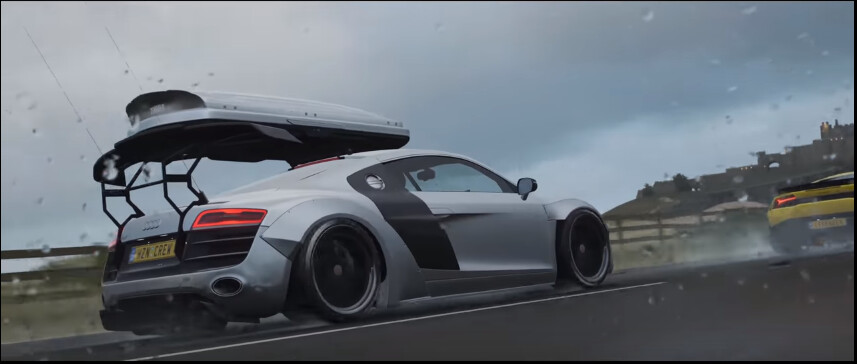
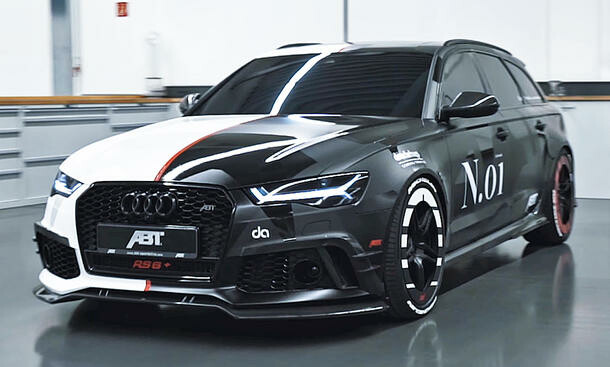
The vehicle is inspired greatly by Jon Olssons Audi R8 and the customisation available to the Audi R8 in Forza Horizon 4 with the livery is inspired by his latest Audi Rs6.

The vehicle is 140k polygons which is impacted a lot by the wheels which I could not reduce further. I am curious to how artists deal with this issue and will be asking around a few places to see if I can get some answers.

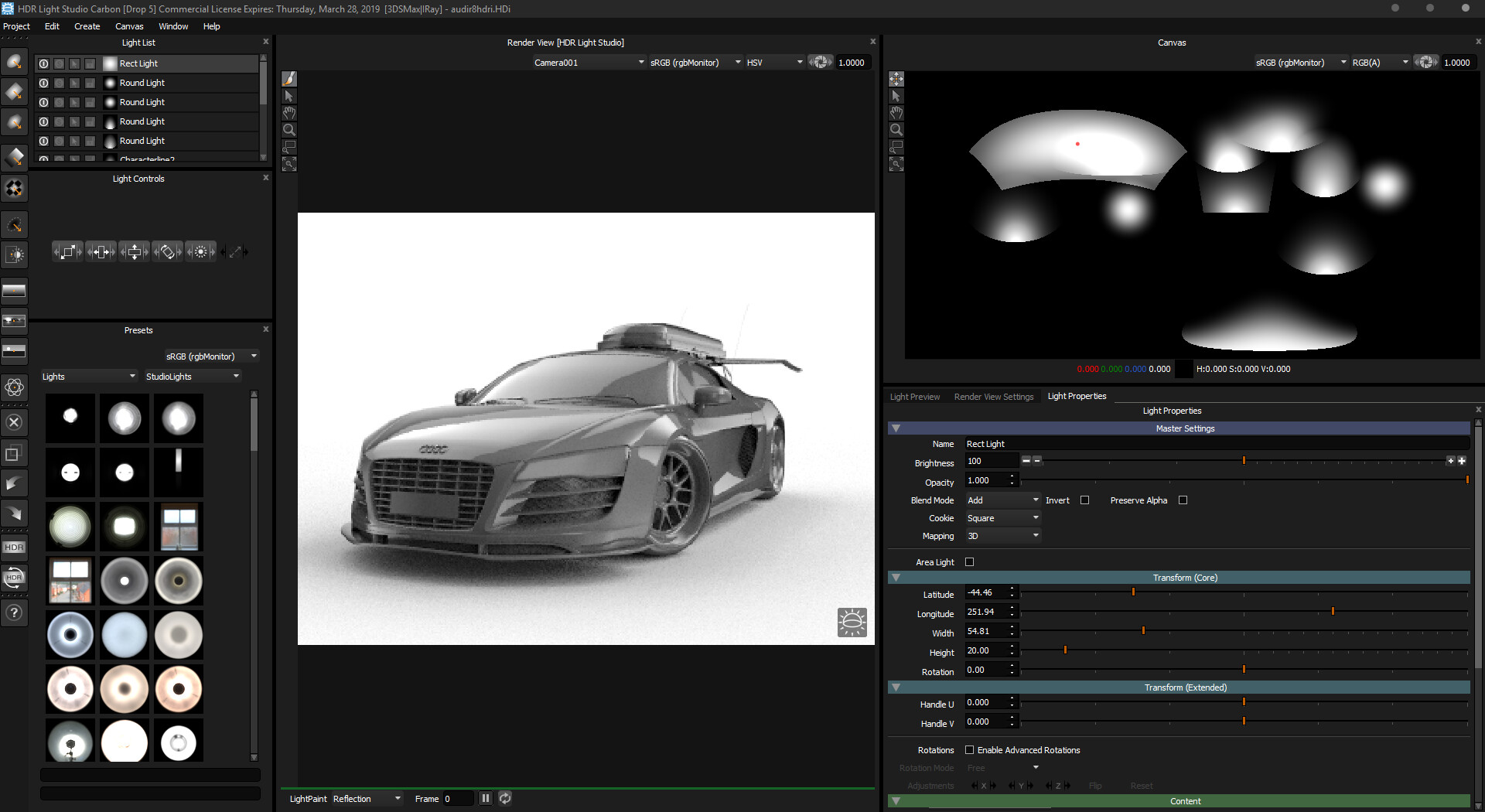
So far all the renders were done in Substances' IRAY using a custom HDRI which I created exlusively for this vehicle using HDR Light Studio.

The long term plan for this vehicle is to create a Unreal Studio set up to be able to explore real time rendering and I will also be looking into VRAY in 3DSMax.

BMW M4 2018 Competition Research and Progression

General / 11 November 2018

I wanted to create a blog to show my updates to my current project I am working on. This will also be linked in my WIP Progress upload so you can see what I am currently up to with the project.

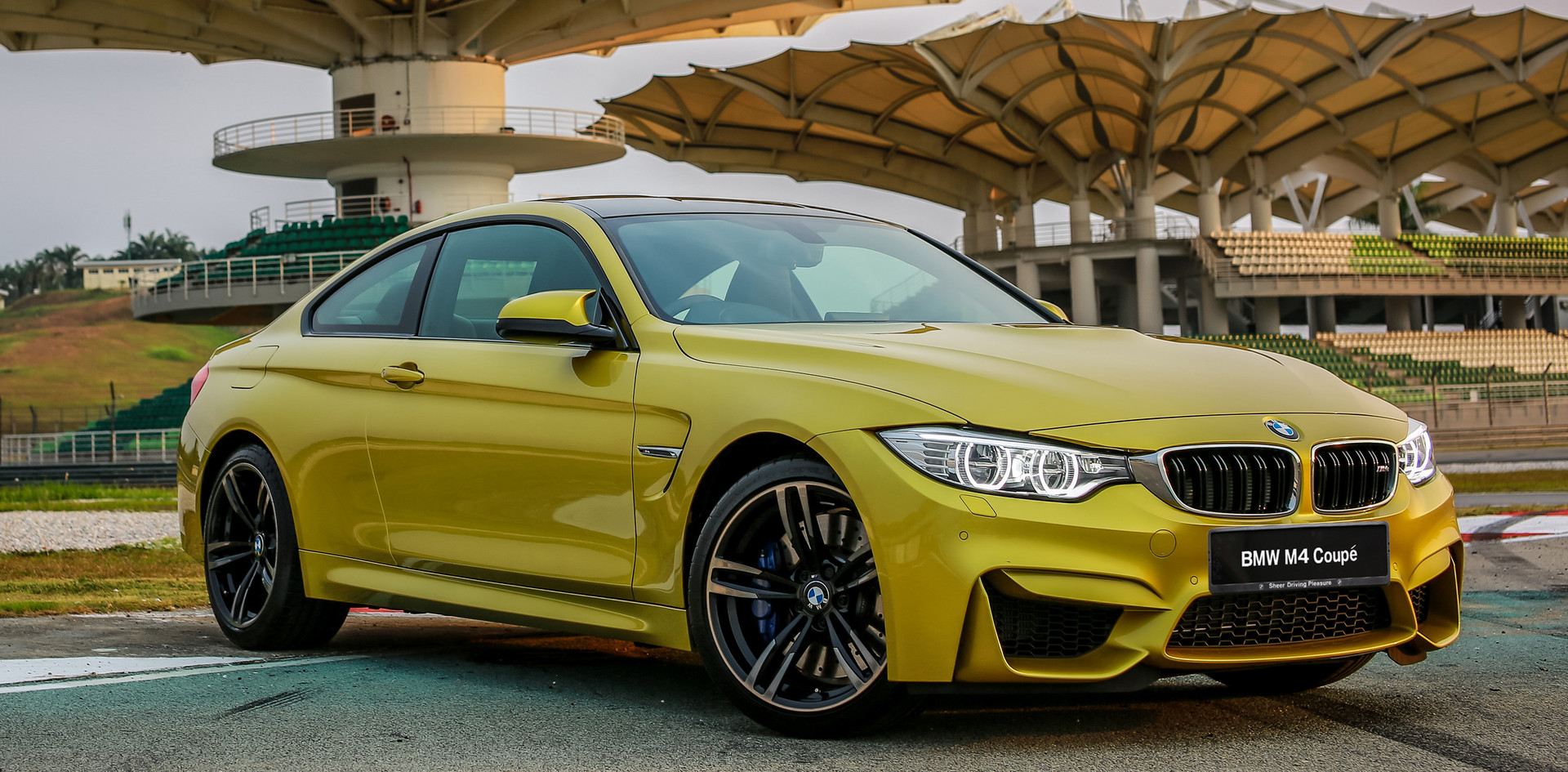
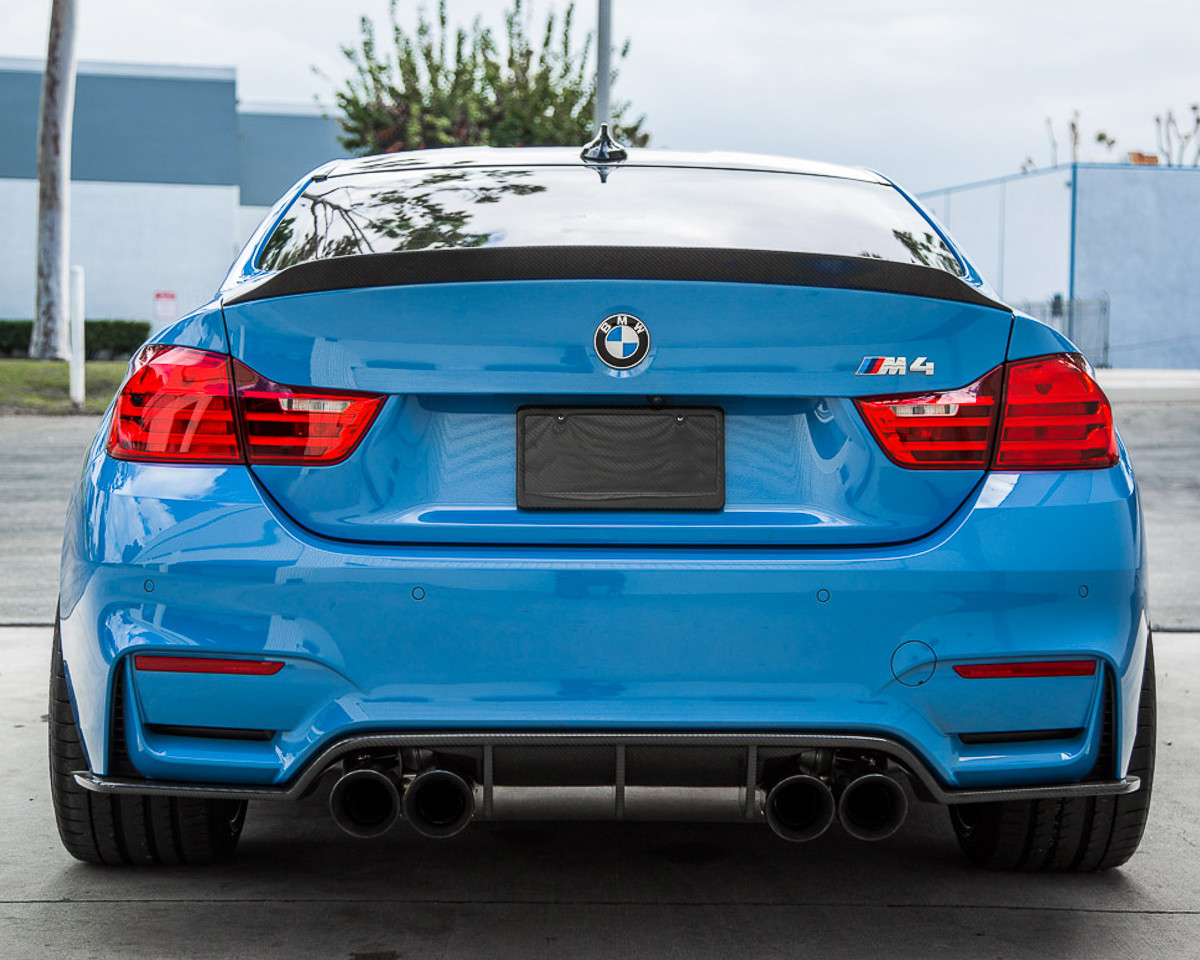
I won't post all my research photos for this model as there are quite a lot, but I will show you some general photos in case you wanted to compare it to real world photos.


With my model there are a couple of differences, as I was aiming to kind of subtly kit this car out but still keep it road legal I added an aftermarket front and rear diffusers as well as some side skirts. I also modelled some different wheels for this car which you can see below.


Since posting the WIP I have currently fully lowered the vehicle to the specifications that I was aiming for.

Below is a Sketchfab in which you can view the fully lowered model which is ready for unwrapping and baking. I am going to play about with creating a low poly interior which will also fit within the 100k polycount but I am going to do this once I know everything will bake properly as I will be baking a lot of it.